Project details
Budget:
$2000
Client:
Beyond Himalaya Tech
Tool:
Figma
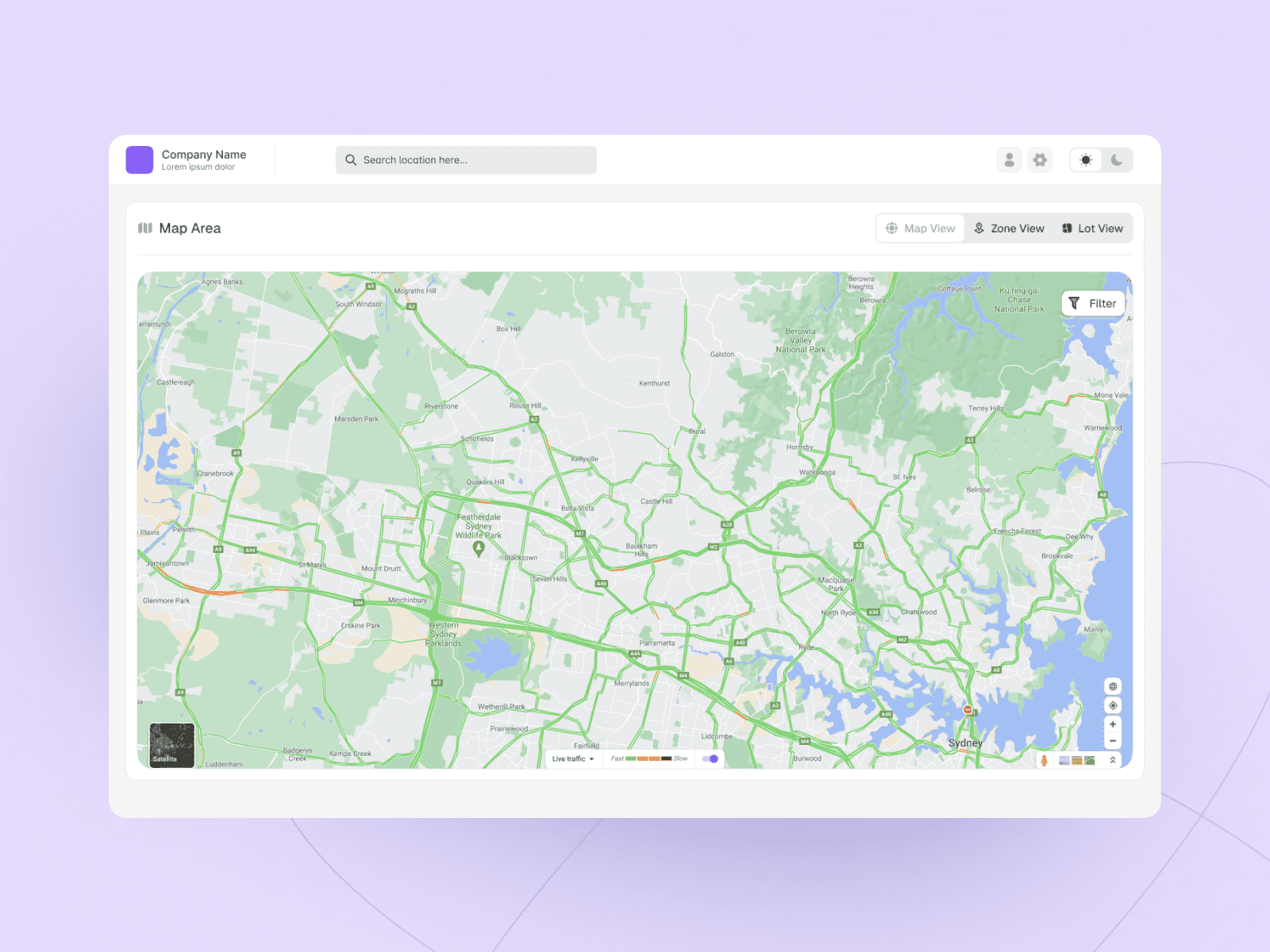
Real Estate Lot Customization Dashboard
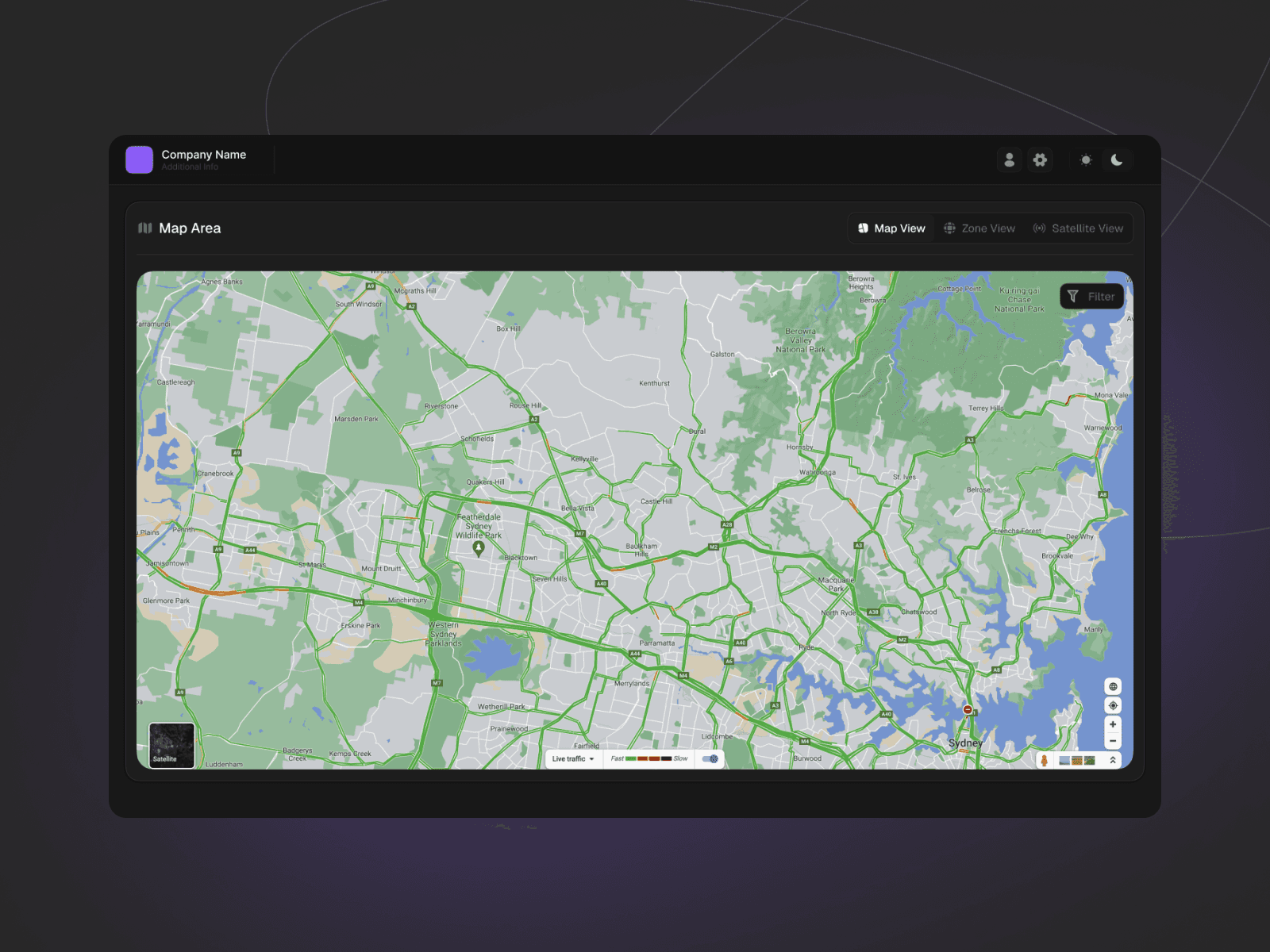
The dashboard design is a user-friendly, map-based platform designed to help homebuyers explore and evaluate land parcels for building their dream home. It streamlines the process of selecting a lot, understanding its zoning constraints, testing home designs, and contacting developers for more information. Below is a detailed breakdown of its functionality.
1. Designing with Purpose Under Lean UX
With a limited timeframe, we adopted a Lean UX approach—focusing on rapid decision-making, quick iterations, and continuous feedback. The goal was not just to deliver a polished interface, but to create a solution grounded in real user needs and contextual relevance.
This wasn’t about visual flair—it was about solving genuine challenges faced by Australian property buyers. Questions like:
“Will my dream home fit on this lot?”
“What zoning laws do I need to consider?”
“Can I customize a home I can actually build here?”
These insights guided our flow: users should be able to explore plots, check zoning rules, customize home designs, and submit an inquiry—all from a single, seamless experience.
1. Designing with Purpose Under Lean UX
With a limited timeframe, we adopted a Lean UX approach—focusing on rapid decision-making, quick iterations, and continuous feedback. The goal was not just to deliver a polished interface, but to create a solution grounded in real user needs and contextual relevance.
This wasn’t about visual flair—it was about solving genuine challenges faced by Australian property buyers. Questions like:
“Will my dream home fit on this lot?”
“What zoning laws do I need to consider?”
“Can I customize a home I can actually build here?”
These insights guided our flow: users should be able to explore plots, check zoning rules, customize home designs, and submit an inquiry—all from a single, seamless experience.
1. Designing with Purpose Under Lean UX
With a limited timeframe, we adopted a Lean UX approach—focusing on rapid decision-making, quick iterations, and continuous feedback. The goal was not just to deliver a polished interface, but to create a solution grounded in real user needs and contextual relevance.
This wasn’t about visual flair—it was about solving genuine challenges faced by Australian property buyers. Questions like:
“Will my dream home fit on this lot?”
“What zoning laws do I need to consider?”
“Can I customize a home I can actually build here?”
These insights guided our flow: users should be able to explore plots, check zoning rules, customize home designs, and submit an inquiry—all from a single, seamless experience.
2. From Research to Prototype: Focused Design
After identifying key user needs, we created three focused personas—First-Time Buyer, Investor, and Retiree—to guide design decisions.
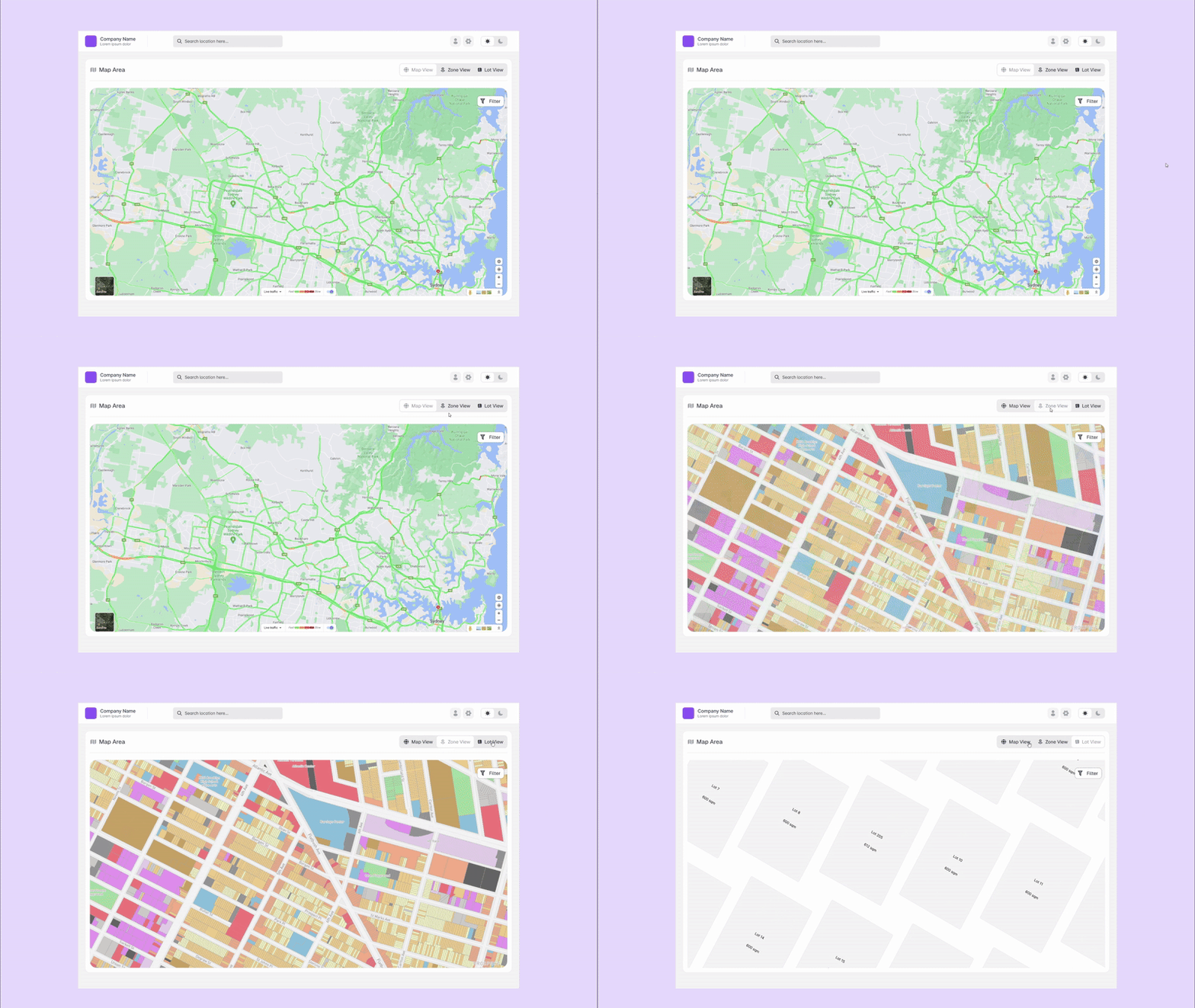
We then developed sketches and wireframes, keeping the layout clean and data-focused. A mid-fidelity prototype was built to test the core flow: exploring plots, checking zoning feasibility, and customizing home options.
User feedback during testing helped us refine zoning indicators, filter options, and layout clarity. After incorporating those changes, we finalized the high-fidelity design—now ready for handoff, complete with contextual zoning insights and a streamlined inquiry process.
2. From Research to Prototype: Focused Design
After identifying key user needs, we created three focused personas—First-Time Buyer, Investor, and Retiree—to guide design decisions.
We then developed sketches and wireframes, keeping the layout clean and data-focused. A mid-fidelity prototype was built to test the core flow: exploring plots, checking zoning feasibility, and customizing home options.
User feedback during testing helped us refine zoning indicators, filter options, and layout clarity. After incorporating those changes, we finalized the high-fidelity design—now ready for handoff, complete with contextual zoning insights and a streamlined inquiry process.
2. From Research to Prototype: Focused Design
After identifying key user needs, we created three focused personas—First-Time Buyer, Investor, and Retiree—to guide design decisions.
We then developed sketches and wireframes, keeping the layout clean and data-focused. A mid-fidelity prototype was built to test the core flow: exploring plots, checking zoning feasibility, and customizing home options.
User feedback during testing helped us refine zoning indicators, filter options, and layout clarity. After incorporating those changes, we finalized the high-fidelity design—now ready for handoff, complete with contextual zoning insights and a streamlined inquiry process.